

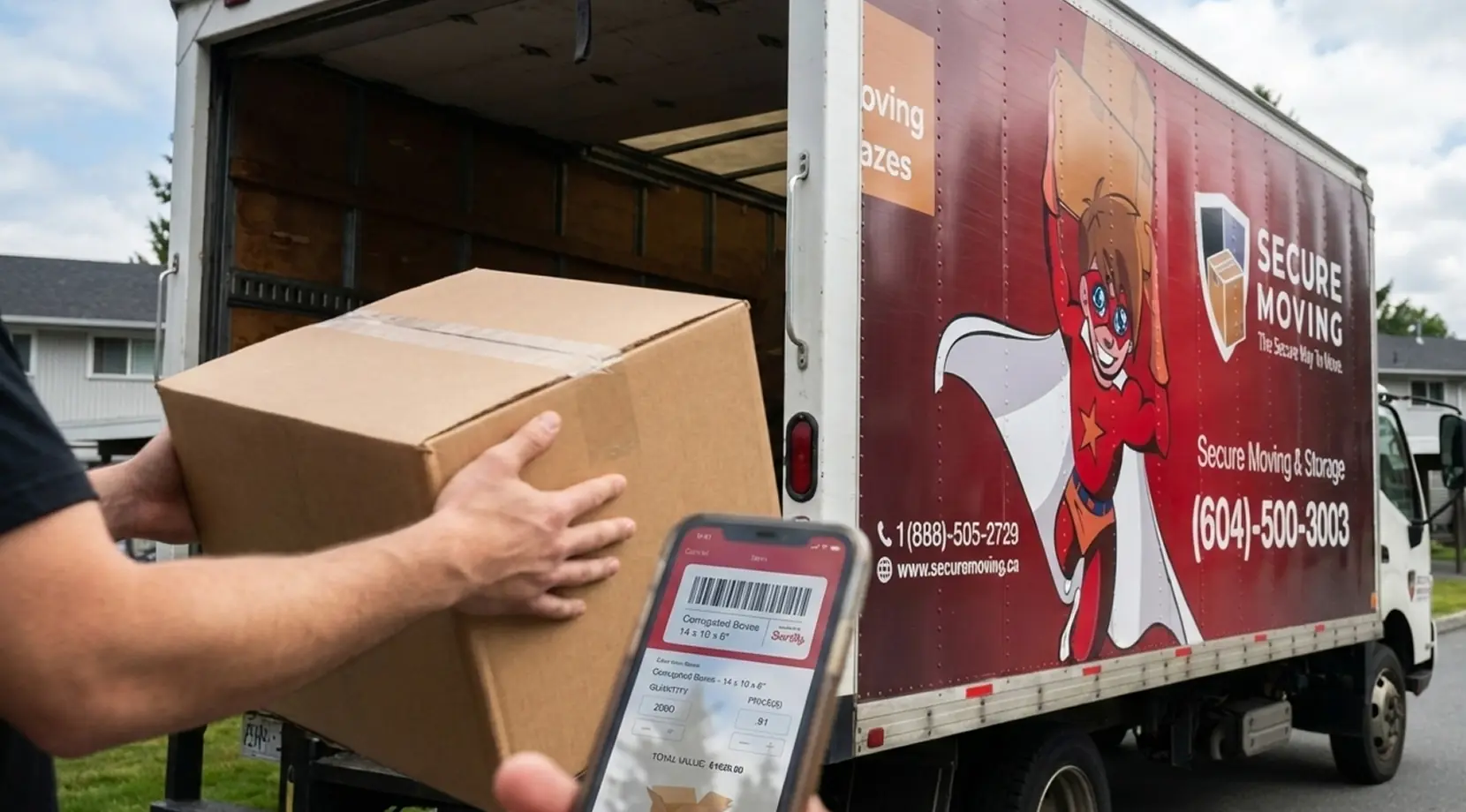
Most moves don’t fail because of boxes. They fail because small tasks collide; tasks like elevator booking, parking, utilities, mail forwarding, and tracking the one box with your modem and chargers. Moving Checklist Apps turn that pile of tasks into a timeline you can follow from your phone.
Below you’ll find quick picks, then Canada-specific steps you can actually finish. For most people, Moving Checklist Apps work best in pairs.
Quick Comparison Table of Best Moving Checklist Apps
Use this table to pick the app type you need: planning, inventory, box tracking, or short-notice help.
| App | Best For | Free Plan | Cost Style | Platforms | Standout Feature |
| Todoist | Families, roommates | Yes | Subscription | iPhone/Android/Web | Shared tasks + reminders |
| Google Keep | Students, simple moves | Yes | Free | iPhone/Android/Web | Fast lists + sharing |
| MoveAdvisor | First-time movers | Yes | Free | iPhone/Android | Timeline prompts |
| Sortly | Home office, insurance | Limited | Subscription | iPhone/Android/Web | Photo inventory + export |
| Boxes (iOS) | Box tracking on iPhone | Yes | Optional paid | iPhone | Boxes + contents list |
| TaskRabbit | Labor-only help | N/A | Per job | iPhone/Android | Book helpers by task |
| Dolly | Bulky item moves | N/A | Per job | iPhone/Android | Furniture pickup and moves |
How We Picked These Apps
A good list of Moving Checklist Apps shouldn’t feel like random downloads. Each pick here does one job well and fits a real workflow: planning, inventory, box tracking, or moving help.
Best Moving Checklist Apps for Planning and Timelines

Todoist is one of the strongest moving planner apps because it handles shared checklists, due dates, and reminders without feeling heavy. A simple setup is one project with sections like “Two Weeks Out,” “Move Week,” and “After Move,” then assign tasks to a partner or roommate. If you want apps to organize a move with clear accountability, this is a safe bet.
Google Keep is the low-friction option. It’s great for quick checklists, a few photos of receipts, and one pinned note for access codes.
MoveAdvisor is more guided. If you like prompts, it’s useful as one of the apps to plan a move for first-time movers.
Moving Inventory and Box Tracking Apps That Stop “Where’s My Stuff?”
If you’ve ever labeled three boxes “Kitchen,” you already know the problem. That’s why Moving Checklist Apps pair well with inventory. If you like everything neatly grouped, moving organization apps can be a relief.
Sortly is one of the better moving inventory apps because it’s built around photos and categories, and it can export lists. For small business or home office moves, that record helps with insurance and replacements. It also works as box inventory apps if you treat each box as an item and note key contents.
For box-only tracking, Boxes (iOS) is a clean option. Number your boxes and keep a short contents list per box. That’s the core of apps to track boxes when moving, and it’s the same idea behind moving box management apps.
To make labels and your app match, use a number + room + priority tag, then keep the box notes in your app. This guide on how to label boxes for moving shows a practical method that stays readable on moving day.
Address Changes and Utility Setup for Canada
Moving Checklist Apps Canada searches usually mean you want admin tasks handled, not just packing tips. Address change apps Canada and utility setup apps Canada mostly act as reminders, so your checklist still needs official links and deadlines.
Canada Post’s official Mail Forwarding service is a good safety net if you miss a letter during move week.
For government records, use the CRA page to change your address. Put it in your checklist with a deadline, since change address after moving is easiest before you forget. Then group the rest (bank, insurance, employer, subscriptions) inside one “After Move Admin” list. This guide on how to change addresses when moving lays out a simple order.
Sell and Declutter Before Moving

Moves get cheaper when you move fewer items. For sell furniture apps and second-hand marketplace apps, Canadians often use Facebook Marketplace, Kijiji, or VarageSale. These apps to sell items before moving work best if you add measurements and set pickup windows that match your packing days.
A notes list can also act like decluttering apps for moving: add a photo, price, and pickup slot, then mark it sold or donated.
Moving Help Apps and On-Demand Labor Options
Sometimes you’re organized but still need hands. Moving help apps can cover loading, unloading, or getting a sofa down tight stairs.
TaskRabbit is a common pick for hire movers apps in the gig style, so it fits labor-only moving apps for small jobs. Dolly is closer to bulky-item support. With on-demand moving help apps, confirm the time, share parking details, and keep a backup plan. Used well, these moving assistance apps can save a move-day bottleneck.
Free vs Paid: What You Actually Get
Free plans are usually enough for planning. For many moves, the best apps for moving are the ones you’ll open daily, and Todoist’s free tier plus Google Keep can cover checklists, reminders, and shared notes. That’s already “moving apps to make moving easier” in practice.
Paid plans tend to make sense if you need deeper inventory, exports, or heavier collaboration. Keep a short list of apps to use after moving too, like a notes archive for receipts and warranty info. Moving Checklist Apps don’t need to be expensive to work.
A Simple 3-App Stack for Moving

Most people do better with one planning tool, one box or inventory tool, and one admin list. Think of Moving Checklist Apps as your move dashboard. For an apartment move: Todoist for the timeline, a box tracker for “Box 18: cables,” and an “Admin” checklist for utilities and mail forwarding.
For a family move: Todoist as the shared brain, Sortly for photos of high-value items, and a notes list for school, daycare, and address updates. If you want a timeline to cross-check tasks, use this residential moving checklist as a backstop. Then the Best Moving Checklist Apps stay focused on execution, not guessing.
Get a Free Quote From Secure Moving
If you’ve already built a clean plan in your apps, you’re halfway there. Secure Moving can handle the heavy lifting with residential and commercial moves, plus long-distance relocations across BC, Alberta, and Saskatchewan, including cross-border routes like Vancouver to Seattle.
You can also add packing and unpacking, storage, and move-in/move-out cleaning so you’re not juggling multiple vendors during move week.
They serve Metro Vancouver areas like Burnaby, Richmond, Coquitlam, Port Coquitlam, Port Moody, New Westminster, North Vancouver, and West Vancouver, and they’re used to real-world details like condo elevator bookings, loading zones, and tight access rules.
Get a free quote from Secure Moving, the most trusted moving company in Vancouver today!
